Callie Norton
December 8, 2025
•
5
min read

Every busy practice feels it at some point: online review fatigue. In a day packed with patient care, calls, and quick decisions, it’s no surprise that asking for feedback falls to the bottom of the list.
Still, consistent reviews play a major role in reputation management, ultimately shaping how patients see your practice online.
In this post, you’ll learn what causes a decline in patient feedback and how an automated communication platform solves the problem. Plus, Doctible experts share what they see across practices and the habits that help teams stay on track.
When review requests depend on memory, they tend to get overshadowed by more urgent tasks. It’s a familiar trade-off that makes feedback less consistent than you intend.
However, it’s worth remembering why recent reviews matter so much.
Practices with steady, recent reviews rank higher in local search, and patients tend to trust newer ratings when choosing where to book.
So, if your last review is months old, prospective patients may assume your office has slowed down or changed. Keeping feedback fresh reminds people you’re active and ready to help.
“Patients are on the go. They might be in pain. If it takes a long time to get in touch with you or they can’t find where you’re at, they’re looking elsewhere.”
– Nick Navarro, Doctible Sales Expert
Once you understand why reviews slow down, the next step is making the process easier on your team. Small changes in timing, automation, and follow-up can restart the flow without adding to anyone’s workload.
Start by identifying where your review process breaks down. If reminders depend on sticky notes or front desk memory, build automation into your existing workflow.
For example, Doctible lets you trigger review requests right after a completed appointment or confirmed visit. This way, every patient receives a timely, personalized prompt without adding mo
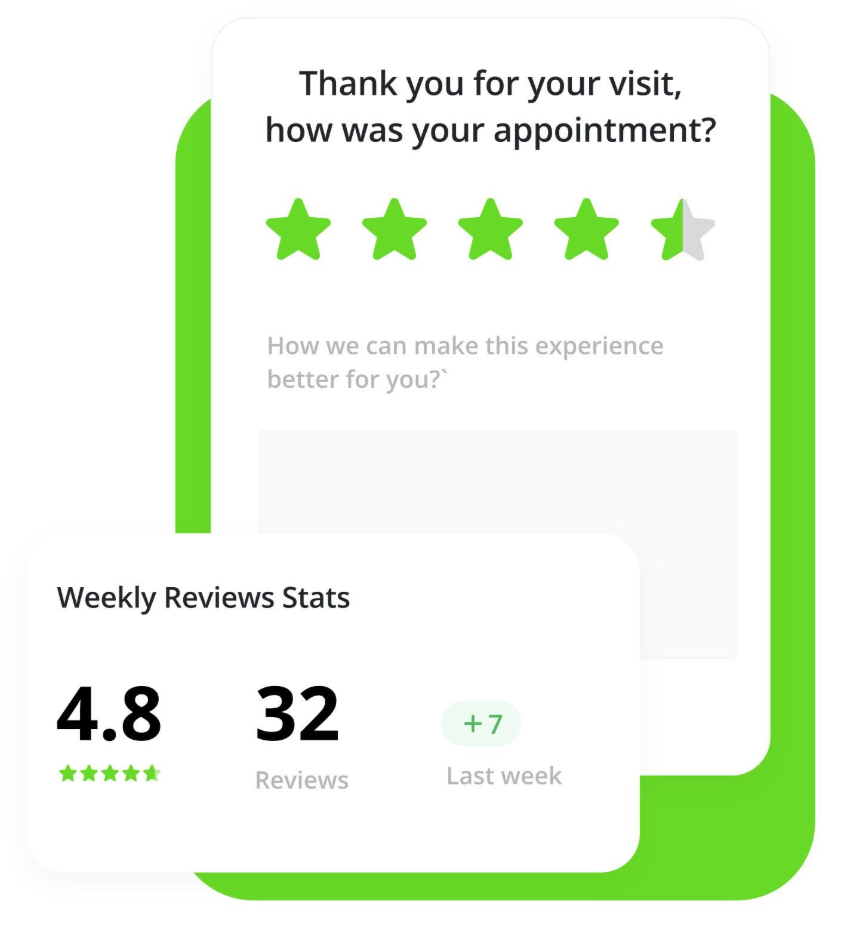
A patient is most likely to leave a review when it only takes a moment. With Doctible, you can automatically send review requests with the review link included, so patients can open it with one tap on their phone. And because the message is mobile-friendly and arrives when the visit is still fresh, there’s no searching or extra steps. The easier it feels, the more feedback you’ll receive.
Positive reviews help new patients find you, but responding to them strengthens your relationship with the patients you already have. A quick, sincere reply shows you’re paying attention and that you value their experience.
You can build this into your routine without adding extra work. Doctible gathers new feedback in one place, making it easier for your team to check for reviews and respond in just a few minutes a day. When you reply, keep it short and warm. Thank patients for sharing, acknowledge something specific when you can, and avoid sounding scripted. A single, sincere sentence is often all it takes to show patients their feedback mattered.
“Getting a review is great. How you respond to reviews is also a representation of your business. Make sure you’re being polite and respectful in those moments.”
– Danielle Goodman, Doctible Customer Success Manager
If your requests start to sound repetitive, it’s a sign to change up your approach. Start by thanking patients for choosing your practice, then invite them to share feedback about their visit. You can also tie your outreach to moments that feel more personal, like a seasonal check-in or a simple “How did we do this year?”
With Doctible, you can update your wording, swap in different versions of your message, and schedule variations throughout the year so outreach doesn’t feel the same every time it goes out. Small changes help your requests sound more thoughtful and remind patients that their feedback is part of an ongoing relationship, not just another task.
Once reviews start coming in consistently, they can do more than strengthen your online reputation. They can also help you keep patients on track with their care. A positive review is a natural moment to reach out, reconnect, and encourage a follow-up visit.
Danielle sees this often. As she explains, “If your staff is manually trying to reach out to patients after the first visit or maybe a month after they’ve been in, you’re wasting probably 10 hours a month on just calling.”
With Doctible’s Patient Recall, reminders send automatically after visits or reviews, saving time and keeping your schedule full. Pair that with Smart Messaging and Campaigns to:
By linking reviews, recalls, and messaging, your practice stays top of mind and your patient relationships stay active between visits.
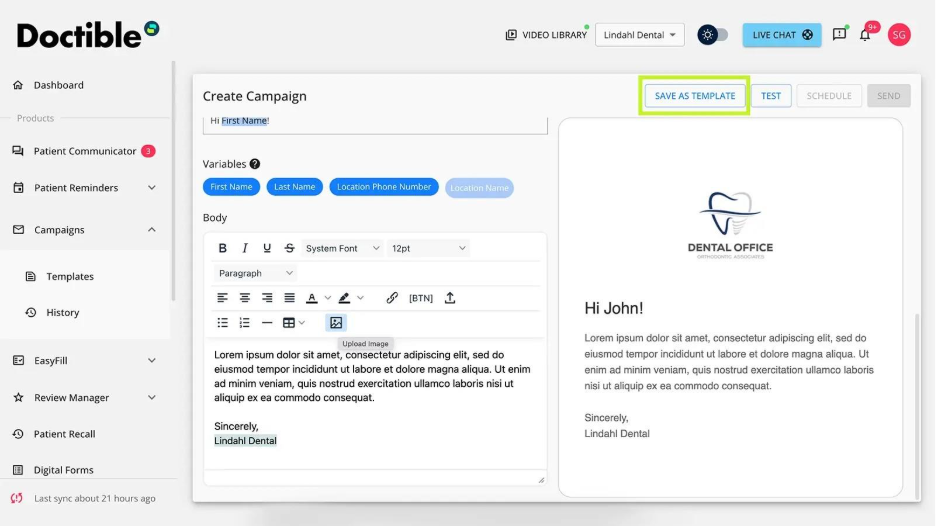
Cincinnati Foot and Ankle Care (CFAC) used Doctible’s automated review tools to generate 900+ new Google reviews in a few months and raise its rating from 4.75 to 4.91. With reminders handled automatically, staff could focus on patients while their reputation grew in the background.
A strong online reputation starts with consistent reviews, but it grows through the systems that keep patients engaged long after their first visit. Doctible brings those pieces together so your team can stay focused on care while follow-up happens reliably and on time.
Our goal is to reduce friction, give patients a sense of control, and keep the practice in the loop.”
– Jon Ortega-Flores, Doctible Senior Product Manager
That principle guides how Doctible is built. Every tool is designed to support the parts of your workflow that tend to fall behind when the day gets busy. In practice, that means you can:
If you want a simpler way to build and protect your reputation, we’re here to help. Schedule a demo to see how Doctible can support your team and streamline your patient experience.

Multi-location Podiatric Practice Builds a Strong Online Reputation with Doctible. (2025). Doctible. https://www.doctible.com/case-study/multi-location-podiatric-practice-builds-a-strong-online-reputation-with-doctible
Online Reputation Management (ORM) Guide for Healthcare Professionals. (2025). Doctible. https://www.doctible.com/guide/online-reputation-management-orm-guide-for-healthcare-professionals
Potts, D. (2025, September 9). Reduce No-Shows with Automated Patient Recall. Doctible. https://www.doctible.com/blog/reduce-no-shows-boost-revenue-automated-patient-recall
Shin, S., & Xiang, Z. (2021). Contextual Effects of Online Review Recency: Three Research Propositions. Springer Nature, 315–321. https://doi.org/10.1007/978-3-030-65785-7_30
Southern, M. G. (2025, September 23). Review Signals Gain Influence In Top Google Local Rankings. Search Engine Journal. https://www.searchenginejournal.com/review-signals-gain-influence-in-top-google-local-rankings/556664/

If you want the best digital patient engagement and marketing platform, you need Doctible.